
How to develop a mobile app?
Make iOS and Android apps with a single codebase

I started my software engineering job in January 2022. I have learned a lot in these 20 months. One of the lessons is to develop a mobile app with a single codebase. I don’t have to worry about managing two codebases — Swift and Kotlin — to manage iOS and Android applications. I can build both with JavaScript.
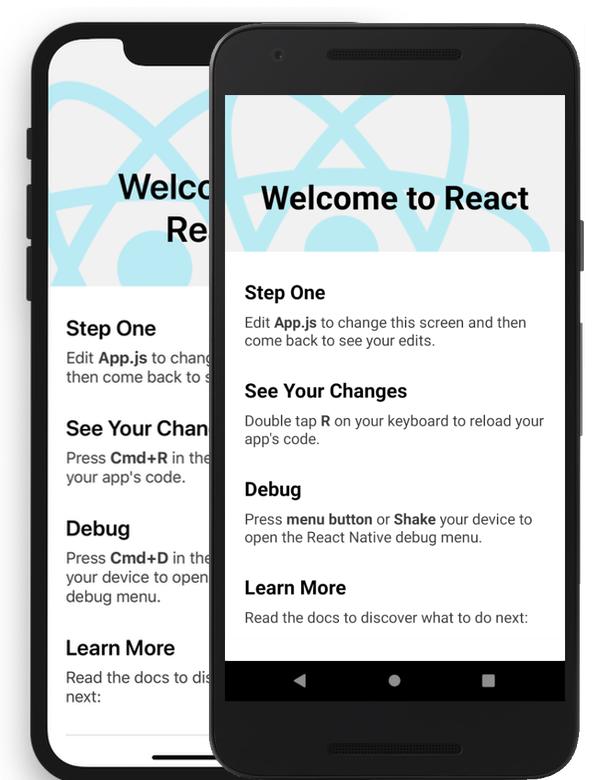
It was React Native, a JavaScript library from Facebook, that solved this problem in 2015. Today, thousands of apps are built using React Native including Facebook, Outlook, and Flipkart.
Our team at Green Action Studio has developed two apps for EV drivers: Livingston ChargePort and Ultra Fast.
This technology inspired me to develop and publish an app (D-Log) in my free time. You can also start one following the instructions below.
How to get started with developing an app?
Download and Install NodeJS on your computer
Download and Install Expo Go on your mobile
Setup a project using this command in the Terminal:
npx create-expo-app my-appEnter the project folder:
cd my-appInstall dependencies:
npm installRun the project:
npm startScan the QR code with your mobile camera
These steps will get you started with developing a mobile app. Please leave a comment if you face any issues or have any questions.